Clash is an essential tool for free Internet access in China. Over the past few years, I’ve used several different Clash GUIs (e.g., clash-verge, clash-verge-rev, and clash-windows). One frustrating issue is that many bugs originate from the GUI frameworks—such as Tauri—rather than from the Clash core itself.
The Docker solution
Today, I migrated those stuffs into Docker. In dokcer-compose.yml:
services:
  clash: # Clash Core
    container_name: clash-meta
    image: metacubex/mihomo:v1.19.17
    restart: always
    pid: host
    ipc: host
    network_mode: host
    cap_add:
      - ALL
    security_opt:
      - apparmor=unconfined
    volumes:
      - ~/.config/clash_meta/clash:/root/.config/mihomo
      - /dev/net/tun:/dev/net/tun
      - /etc/timezone:/etc/timezone:ro
      - /etc/localtime:/etc/localtime:ro

  metacubexd: # Clash WebUI
    container_name: metacubexd
    image: ghcr.io/metacubex/metacubexd
    restart: always
    network_mode: bridge
    ports:
      - "1122:80"
    volumes:
      - ~/.config/clash_meta/caddy:/config/caddy
      - /etc/timezone:/etc/timezone:ro
      - /etc/localtime:/etc/localtime:ro
Next, put your configuration files into ~/.config/clash_meta/clash, and the entry file should be config.yaml, in which you need to set up the external-controller as well as its secret.
mixed-port: 7890
external-controller: 0.0.0.0:9090
secret: <YOUR_KEY>
Then, start the docker containers via docker-compose up -d.
The Web-UI
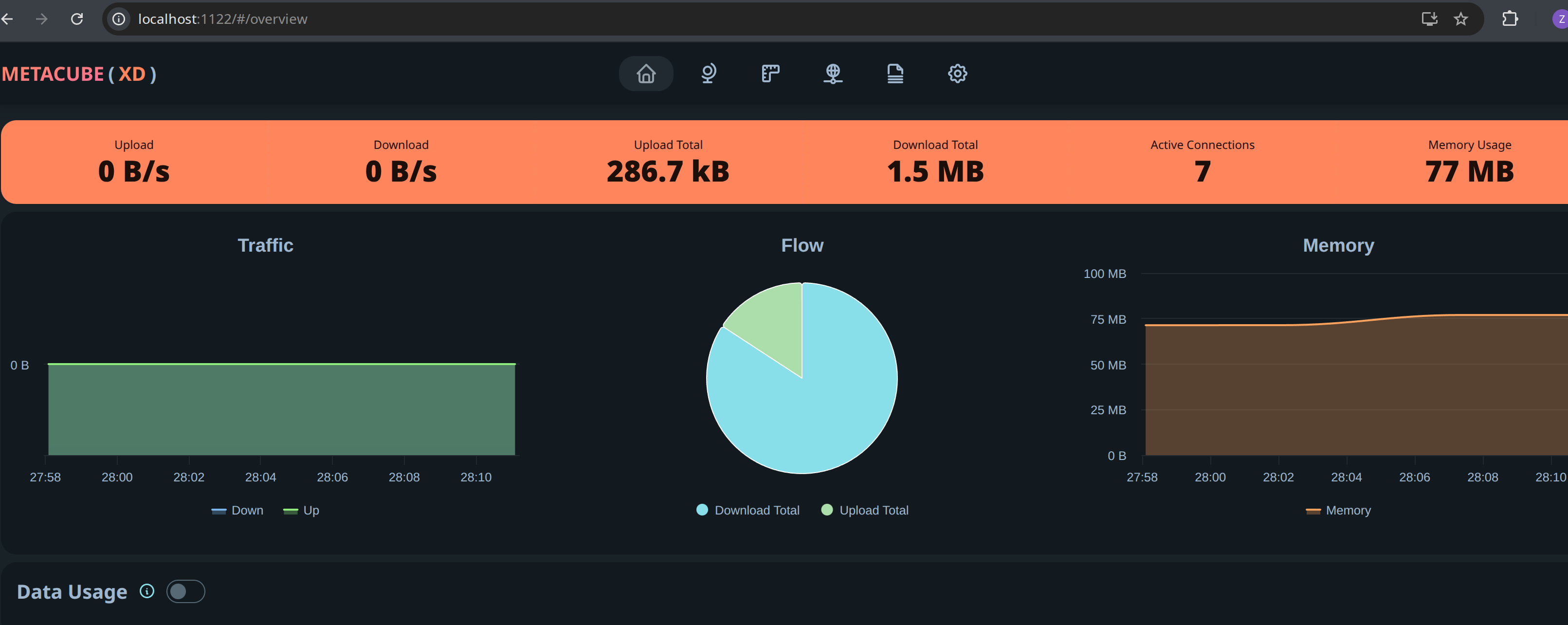
Visit localhost:1122, where the port is mapped in dokcer-compose.yml. Enter both the URL (i.e., http://127.0.0.1:9090) and the key in config.yaml.
To maximize the flexibility, proxy-providers(https://wiki.metacubex.one/config/proxy-providers/) and proxy-group are recommended in config.yaml.